Guide · 4 min read
How to keep an injection log: what to record, site rotation and supply
An injection log is a plain record of what you did, kept so that you, and your prescriber or pharmacist, can see it later. This guide covers what each entry should hold, how to record site rotation, and how to keep track of supply. It is about record-keeping only and gives no medical advice.
Published by TrackerMaster
Why keep a log at all
Memory is unreliable for routine tasks. Did you do Tuesday’s, or was that last Tuesday? Which side was last time? When was this vial opened? A written record answers those questions in seconds and gives you something accurate to show at an appointment, instead of a best guess.
Everything in your log should come from your prescription, your pharmacy label, or your prescriber’s instructions. The log records those instructions being followed; it never decides them. If anything in your record looks off, ask your prescriber or pharmacist rather than adjusting on your own.
What each entry should record
| Field | Example | Why it matters |
|---|---|---|
| Date and time | Tue 4 Nov, 8:10 am | Shows the schedule was kept |
| Item | As named on your label | Matters if you use more than one |
| Amount | Exactly as your prescription states it | Confirms you followed the instructions |
| Site | Abdomen, left | Supports rotation |
| Vial or pen | Lot number, date opened | Traces any problem to a batch |
| Notes | Anything unusual | Context for your prescriber |
Record a skipped or late entry too, with a short reason. A log that only shows the good days is not much use when someone needs the full picture.
Recording site rotation
If your instructions include rotating sites, the log is where rotation actually happens. Agree the list of sites with your prescriber, give each a short name, and write the site on every entry. Before the next one, glance at the last few entries and pick the site used longest ago.
| Entry | Site |
|---|---|
| 1 | Abdomen, left |
| 2 | Abdomen, right |
| 3 | Thigh, left |
| 4 | Thigh, right |
| 5 | Upper arm, left |
| 6 | Upper arm, right |
| 7 | Abdomen, left (cycle restarts) |
Tracking supply on hand
Running out is avoidable with simple arithmetic. Count how many entries your current supply covers, divide by how often your schedule calls for one, and set a reorder point that leaves room for the pharmacy’s turnaround.
For example, suppose your supply covers 8 more entries and your schedule is twice a week. That is 8 ÷ 2 = 4 weeks of supply. If refills usually take a week to arrive, you will use 2 entries while you wait, so reorder with at least 4 left: 2 to cover the wait and 2 spare. The numbers that go into this sum come from your own label and schedule.
- Write the date each vial or pen was opened, and check the label or pharmacist’s guidance for how long it lasts once opened.
- Keep the lot number, so a recall notice is easy to check against.
- Follow your pharmacy’s storage and sharps-disposal instructions, and note any time the item was left out of storage.
Reviewing your log before an appointment
A log earns its keep when someone else needs to read it. A few days before an appointment, look back over the period since your last visit and write down a short summary: how many scheduled entries there were, how many were logged, how many were skipped or late and why, and anything you noted as unusual. That takes five minutes and gives your prescriber facts rather than impressions.
Bring the questions you wrote in your notes, and record any change to your instructions on the day it is made, with the date. If a change is not written down, the next entry in your log will follow the old schedule out of habit.
- Count scheduled entries against logged ones for the period.
- List skipped or late entries with their reasons.
- Note anything unusual, with the date it happened.
- Write down any change to your instructions the day it is given.
Paper, notes app, or a dedicated log
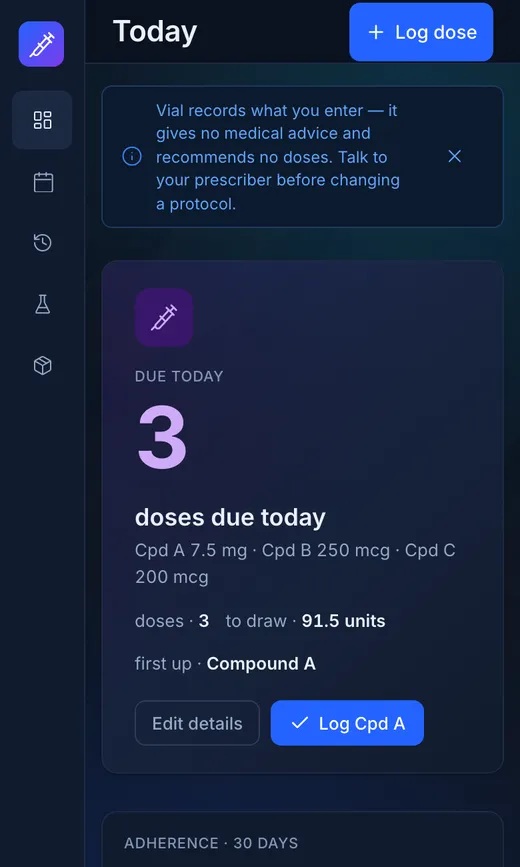
Any format works if you use it every time. Paper is simple but easy to lose and hard to search. A notes app is always with you but turns into an unstructured scroll. A dedicated log keeps the same fields on every entry and can show you what is due and what was missed. Choose the one you will still be using in three months.
Checklist
Injection log checklist
- Schedule copied exactly from your prescription or instructions
- Date and time recorded for every entry
- Item and amount recorded as stated on your label
- Site recorded, and last few sites checked before the next entry
- Skipped or late entries recorded with a reason
- Lot number and date opened noted for each vial or pen
- Supply on hand counted and reorder point set
- Questions written down for your next appointment
Print this page to use the checklist on paper.